
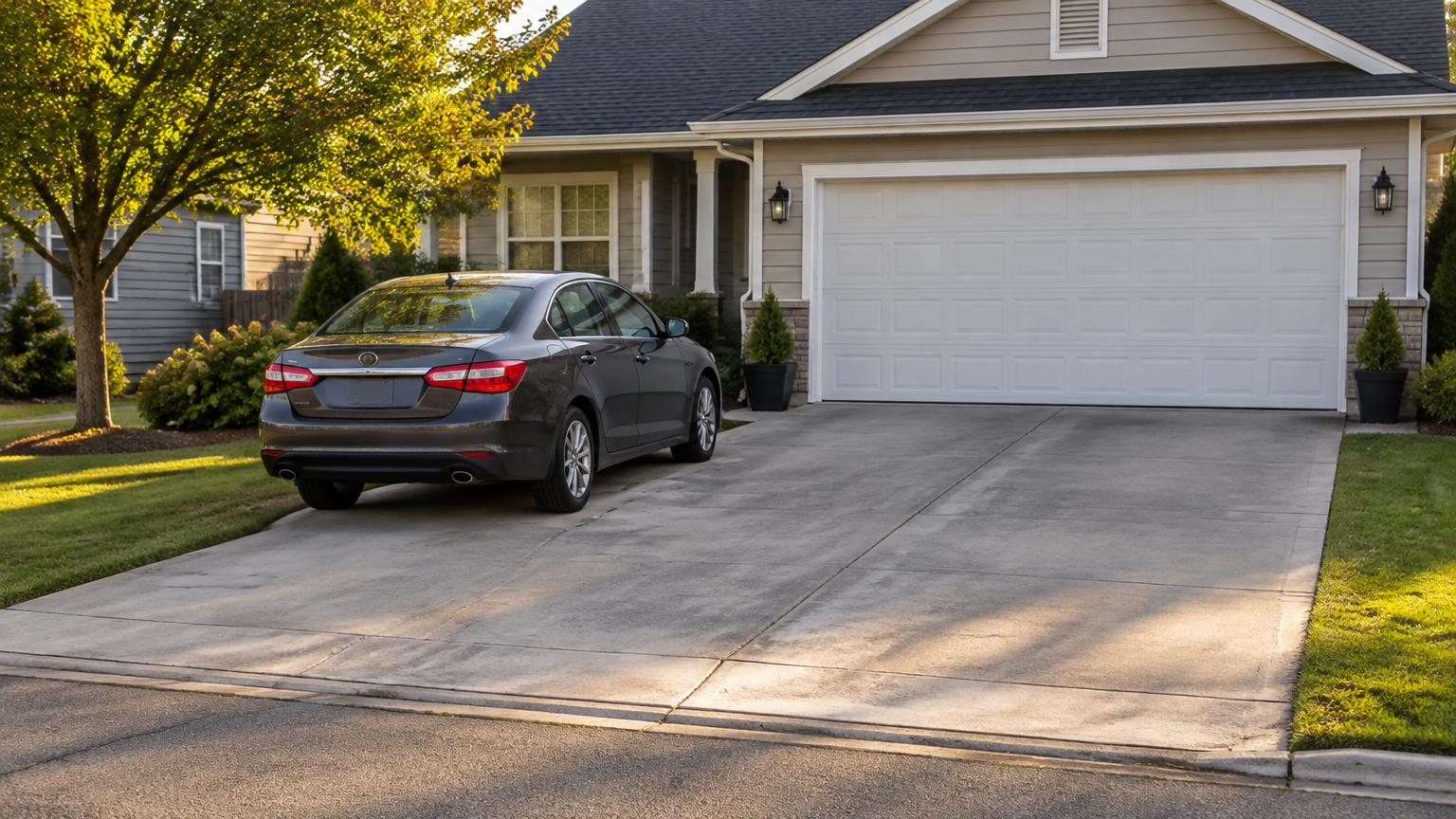
What counts as paying outside a private space marketplace?
Paying outside a private space marketplace means leaving the platform’s normal booking and checkout process to send money directly to a host. That can include cash, Venmo, Cash App, Zelle, a bank transfer, wire transfer, cryptocurrency, private invoice, or an external payment link.
A request can happen at any point. A host might ask for money before you book, after you make an inquiry, or after you have already started a reservation. The key issue is not just the payment method. It’s whether the payment remains connected to the marketplace listing and official booking record.
For example, a host might say, “Send me a deposit through Venmo and I’ll hold the driveway.” Another might ask you to pay cash when you arrive, even though you found the garage through a marketplace. A request to avoid a published renter fee is also an off-platform payment request if it moves the transaction away from official checkout.
Paying a host directly may feel more personal or convenient, especially when you’re renting a driveway, garage, lot, storage area, or other space from an individual. However, the arrangement can leave the marketplace with less information about the price, dates, messages, and promises connected to your booking.
Why is the official marketplace checkout usually the safer choice?
The official checkout usually provides a clearer paper trail because the payment is tied to the listing, selected dates, price, fees, and booking details. That record may make it easier to explain what happened if the space is unavailable, the terms change, or you need help reviewing a problem.
The Federal Trade Commission advises consumers not to pay outside an online marketplace’s payment system when doing so could remove marketplace protections. That advice does not mean every marketplace offers the same refund or dispute program. The FTC also notes that marketplace protections vary, so read the actual terms instead of assuming payment guarantees a refund.
Keeping the booking on the platform can also reduce confusion. You have one place to review the listing, the agreed dates, the amount charged, and the messages that shaped the arrangement. A private text or separate payment may not show the same complete context.
There is still no guarantee that an on-platform payment will end in a successful dispute or reimbursement. A marketplace may have specific cancellation, refund, or support rules, and the result can depend on the facts. The value is that the transaction remains visible within the process designed to handle marketplace bookings.
Fees are part of that tradeoff. Parking Mate publishes its fees before confirmation, so renters can review the total rather than negotiating an unclear amount privately. You can see the details on the Parking Mate pricing and fees page.
How does paying through the marketplace compare with paying a host directly?
Paying through official checkout generally keeps more booking information in one place, while paying a host directly may appear simpler but can separate the money from the listing and marketplace support process. Neither path guarantees a refund, and payment-provider rules still apply when a transaction goes wrong.
| Consideration | Official marketplace checkout | Direct or off-platform payment |
|---|---|---|
| Connection to listing | Payment is tied to the listing and booking details | Payment may exist separately from the listing |
| Transaction record | The marketplace can have the booking, dates, price, and payment record | Records may be split between texts, receipts, and a payment app |
| Fee visibility | Published fees can be shown before confirmation | The host may quote a different amount without the marketplace’s checkout breakdown |
| Support access | You can contact the marketplace about the booking and request review under its processes | The marketplace may have limited ability to review a transaction completed elsewhere |
| Dispute or recovery options | The payment, marketplace, and card-provider processes may offer ways to report a problem, depending on their rules | Recovery depends heavily on the direct payment method, provider, timing, and available records |
A direct payment is not automatically dishonest. A host may have a practical reason for asking, or may simply misunderstand the platform’s payment process. Still, a renter should not assume that avoiding a service fee is a free benefit. The apparent savings may come with less centralized documentation and fewer options for the marketplace to understand the transaction.
Credit cards may provide certain dispute rights when a consumer is charged for something not received or receives something materially different, subject to the issuer’s rules and deadlines. The FTC explains these protections in its online shopping guidance. That information is not a promise that every private-space dispute will qualify or succeed.
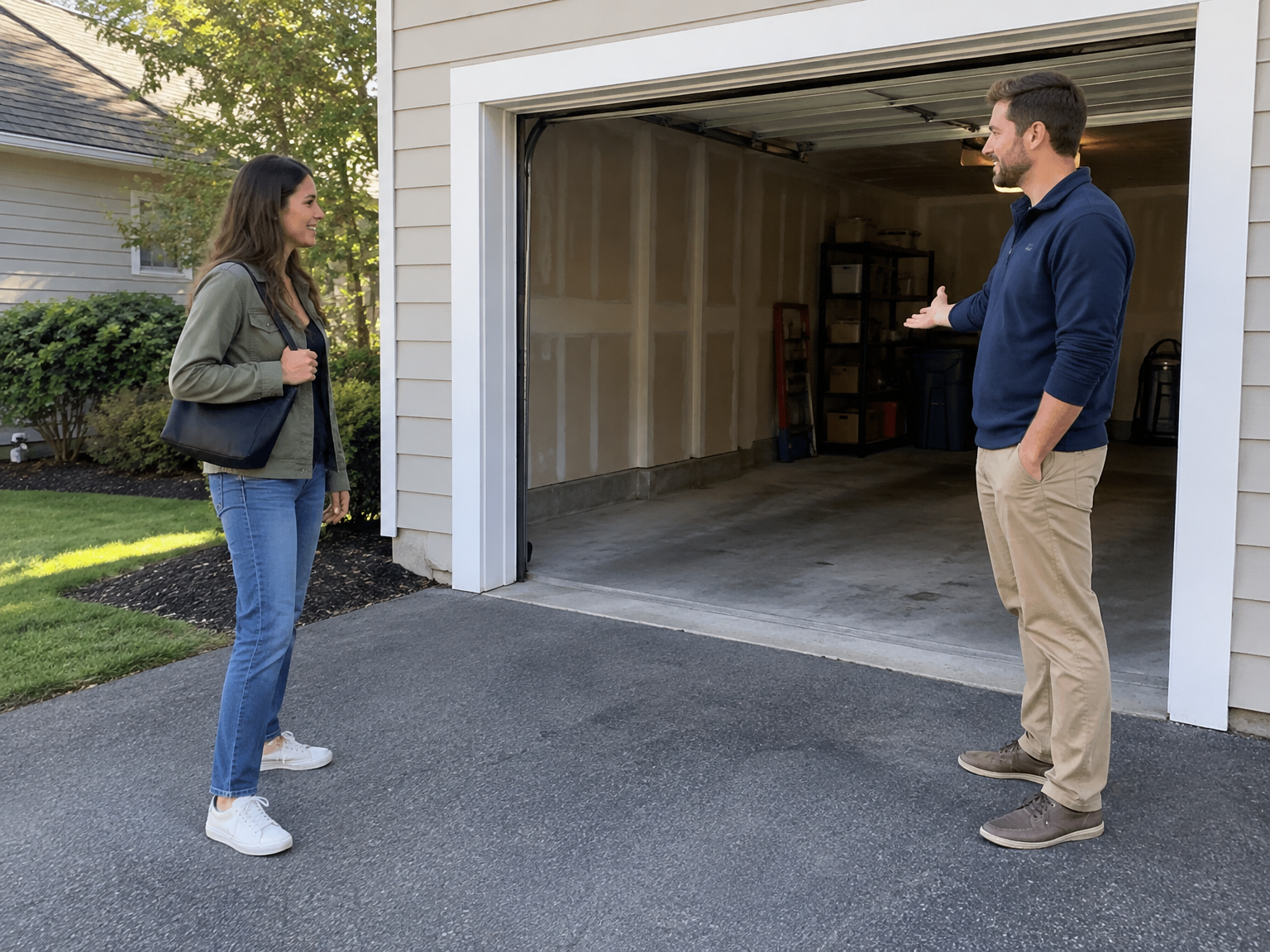
What should you do if a host asks for payment outside the platform?
Treat the request as a reason to slow down, not as proof that the host is a scammer. Keep the conversation documented, ask for the official checkout path, and contact the marketplace if the request feels unusual or pressured. These four steps can protect your options while you decide.
- Pause the payment. Don’t send cash, a deposit, card details, or a payment-app transfer until you understand why the host wants to leave the platform. Pressure to pay immediately is a reason to take more time.
- Ask the host to use official checkout. A simple response works: “I’d prefer to keep the booking and payment in the marketplace.” If the host refuses, changes the price, or says the platform cannot be used, save that conversation.
- Keep the details together. Save the listing address or general location, dates, quoted price, access instructions, cancellation information, and messages. Avoid moving important terms into a private conversation that cannot be connected to the booking record.
- Contact the marketplace through its official channel. If the request seems suspicious, use the platform’s support page rather than a phone number or payment link supplied in an unexpected message. You can contact Parking Mate for questions about a Parking Mate listing or booking.
Do not share more financial information than necessary. A host generally does not need your online banking password, account login, security code, or one-time verification code to arrange a legitimate space booking. If a message asks for those details, stop communicating through that request and report it.
Which direct-payment requests deserve extra caution?
Requests for payment apps, wire transfers, cryptocurrency, cash deposits, or other methods that may be difficult to trace or recover deserve careful review. The concern is greater when you do not know the host, have not confirmed the space, or are being pushed to pay before the listing’s normal booking process is complete.
The Consumer Financial Protection Bureau warns about scams involving payment apps, wire transfers, gift cards, and cryptocurrency. Its guidance supports caution because some payment methods can be difficult to reverse or recover. That does not mean every payment app is fraudulent or that every transfer is impossible to challenge.
Pay attention to the reason given for the request. “The platform fee is unnecessary,” “I need a deposit before the calendar closes,” or “The checkout link is broken” may be harmless explanations, but they should be checked rather than accepted automatically. An unfamiliar external link deserves the same caution as a request for cash.
A host’s willingness to answer ordinary booking questions also matters. Ask whether the space fits your vehicle, when you can enter, whether access is shared, and what happens if the space is occupied. If the host avoids basic details but focuses on getting money, do not proceed until the arrangement is clear.
Payment safety is only one part of the decision. A checkout record does not confirm that a space is permitted, accessible, or suitable for your vehicle. Read the listing carefully, review restrictions, confirm arrival instructions, and do not assume payment creates insurance coverage for your car, belongings, injury, theft, towing, or property damage.
What if you already paid a host outside the marketplace?
Act quickly and preserve everything connected to the transaction. Contact the payment provider and your bank, report the listing or host, and avoid sending additional money. Recovery is not automatic, and the result depends on the payment method, provider rules, transaction details, and how soon you report the problem.
- Save the records. Keep receipts, confirmation screens, screenshots, the listing information, host profile details, phone numbers, emails, and every relevant message. Record the amount, date, payment method, and what the host promised.
- Contact the payment provider and bank promptly. Ask what reporting or dispute options apply to the transaction. If you used a card, contact the card issuer. If you used a payment app, bank transfer, wire, or cryptocurrency, use the provider’s official fraud or support channel.
- Report the host or listing. Tell the marketplace that the payment happened outside the normal process and provide the supporting records. The marketplace may have limited ability to resolve an outside transaction, but the report can still give its support team important context.
- Do not send more money. A request for a second deposit, release fee, cancellation charge, or refund-processing payment can increase your loss. Stop and get advice from the payment provider before agreeing to another transfer.
If the space is unavailable or the host stops responding, do not delete the original messages. Keep communication factual and avoid making claims you cannot support. The more complete your record, the easier it is for a provider or marketplace to understand the timeline.
Parking Mate is not an insurer, and its checkout does not guarantee a refund, chargeback, or successful dispute. The goal of reporting quickly is to preserve any options that may exist under the relevant provider’s rules.
How does Parking Mate keep a private-space booking clearer for renters?
Parking Mate gives renters a defined flow: review a listing, choose available dates, book the space, and pay through Stripe. Fees are shown before confirmation, creating a clearer connection between the listing, booking amount, and payment record without promising insurance or a particular dispute result.
Parking Mate states that Stripe handles card details rather than Parking Mate storing card information directly on its own checkout page. Stripe also has processes for card disputes, but those processes do not mean every claim qualifies or that every renter receives a refund.
The published renter service fee is 10% of the booking subtotal. Because the fee is shown before confirmation, you can decide whether the total fits your budget before completing the booking. A host’s private offer might look cheaper, but compare that known amount with the uncertainty created by removing the marketplace from the transaction.
For a clearer booking, check the listing description, dates, access instructions, space dimensions, price, and any host-set rules. Keep important questions and answers in the marketplace whenever possible. If a host asks you to switch to cash or a payment app, ask why and request that the booking remain in official checkout.
You can search available spaces on Parking Mate and review the details before deciding. Whether you need a driveway, garage, lot, storage area, or another private space, the safest general practice is simple: keep the booking and payment connected to the listing unless you fully understand what support and documentation you may give up.
Related reading
Frequently asked questions
Should renters pay a host outside a private space marketplace?
Generally, renters should keep payment in the marketplace's official checkout when they want the payment tied to the listing, booking details, fees, and transaction record. Off-platform payment may reduce access to marketplace processes, and protections vary by marketplace.
What should I do if a host asks for Venmo or cash?
Pause the payment, ask the host to use the official marketplace checkout, save the messages and listing details, and contact the marketplace through its official support channel if the request seems suspicious.
Is paying a host directly always a scam?
No. A direct-payment request is not automatically proof of fraud, but it moves the transaction away from the marketplace's normal records and support process. Review the request carefully and avoid paying until you understand what you may lose.
What if I already paid outside the marketplace?
Save receipts, screenshots, listing details, and messages. Contact the payment provider and your bank promptly, report the host or listing to the marketplace, and do not send more money. Recovery depends on the method, timing, provider rules, and transaction facts.