
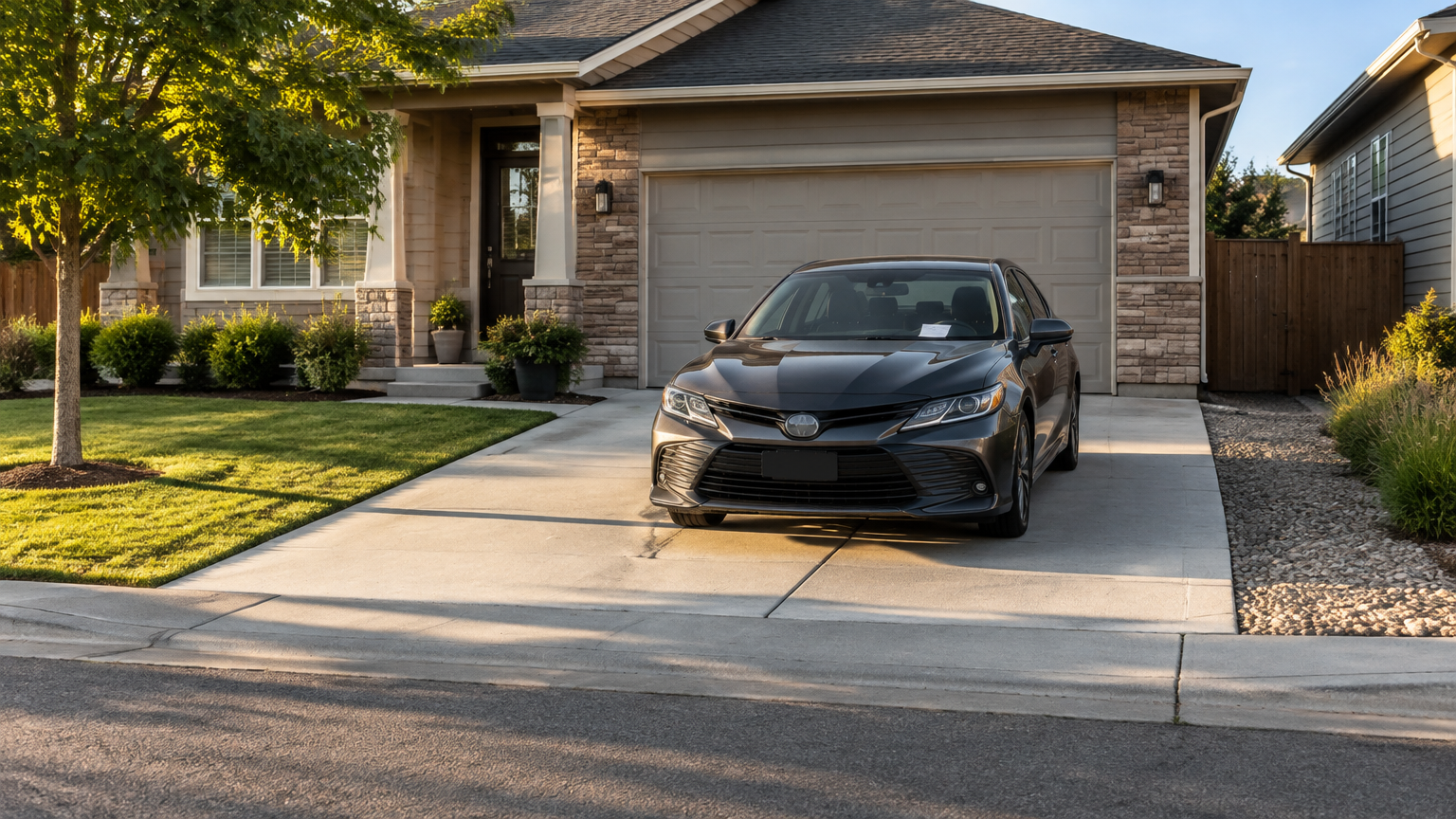
What should you save immediately after booking a private space?
Save the three core records right away: your booking confirmation, the original listing details, and the arrival or parking instructions. Together, they show what you booked, when it applies, where the space is, and how the host expects you to use it.
- Booking confirmation: Keep the confirmation email, message, or screen that shows the reserved space, date, time period, booking reference, and amount charged. If the confirmation includes the location or space type, save that information too.
- Original listing details: Capture the description, listed restrictions, available dates, access information, and photos. Details can be edited later, so saving the version you reviewed gives you a useful reference.
- Arrival instructions: Preserve directions for finding the space, entering the property, parking the vehicle, or contacting the host. Don't assume you'll remember instructions that seemed obvious when you booked.
A screenshot is useful, but a downloaded confirmation or saved email is often easier to find later. Give the file a clear name, such as `parking-booking-May-18`, and keep it with the rest of your records.
The goal isn't to create a large paperwork file. It's to make sure you can quickly answer basic questions if you're standing outside the property and can't remember where to park or what time your reservation ends.
Which listing details and photos are worth keeping?
Keep the listing description, access information, stated restrictions, space boundaries, and original photos before you arrive. These records provide a practical snapshot of what you saw when booking, although they don't guarantee a refund, legal result, or successful dispute.
Pay attention to details that affect whether the space works for your vehicle or plans. Save information about:
- The approximate location and how the space is identified
- Whether the space is indoors, outdoors, in a driveway, garage, lot, or another type of property
- Vehicle size limits or other restrictions stated in the listing
- Entry, exit, gate, or access instructions
- Any notes about overnight parking, storage, event use, or arrival timing
- The position and boundaries of the space shown in the photos
Photos are especially helpful when the space is hard to identify. A picture may show where a driveway begins, which side of a lot is available, or whether a gate or curb affects access. If the listing shows a landmark, save that image as part of the booking record.
Don't treat a screenshot as conclusive proof of what must happen in every dispute. Listings may be incomplete, local rules may apply, and the outcome of a refund or payment complaint depends on the circumstances. Still, a saved copy can make your explanation clearer and help you compare the listing with the space you find on arrival.
The FTC recommends reviewing marketplace information and keeping copies of communications and purchase records. Its guidance on buying from an online marketplace is useful for any renter who wants a simple record-keeping habit.
Which host messages should renters retain?
Keep messages that explain access, timing, vehicle rules, changes, or how a problem will be handled. Important answers should stay in writing when possible, and renters should preserve messages exchanged with both the host and the marketplace.
These five message types are usually the most useful:
- Access directions: Save instructions about gates, entrances, keys, signs, parking positions, or where to leave a vehicle. Don't assume a general address tells you exactly where the space is.
- Arrival timing: Keep messages about when you may arrive, whether early arrival is acceptable, and when the reservation ends. Timing matters when a host gives you instructions that differ from the original listing.
- Space boundaries or vehicle rules: Retain notes about which spot to use, what type of vehicle is allowed, and any rules concerning clearance, movement, or shared areas.
- Changes to the arrangement: Save messages about a different entrance, blocked area, revised location, altered timing, or any other change made after booking. A short text can be easy to overlook later.
- Promises about resolving a problem: Keep written statements about replacement access, a possible adjustment, a proposed solution, or a request to wait for further instructions. Don't assume a verbal conversation will be remembered the same way by everyone.
Avoid deleting a message thread just because the booking worked smoothly. A simple answer about where to park may also confirm what the host told you before arrival. The FTC specifically recommends keeping copies of messages exchanged with sellers and marketplaces.
If a message contains personal contact information, access details, or other private information, store it securely. Share only the portion needed when asking for help, and don't post private details publicly.
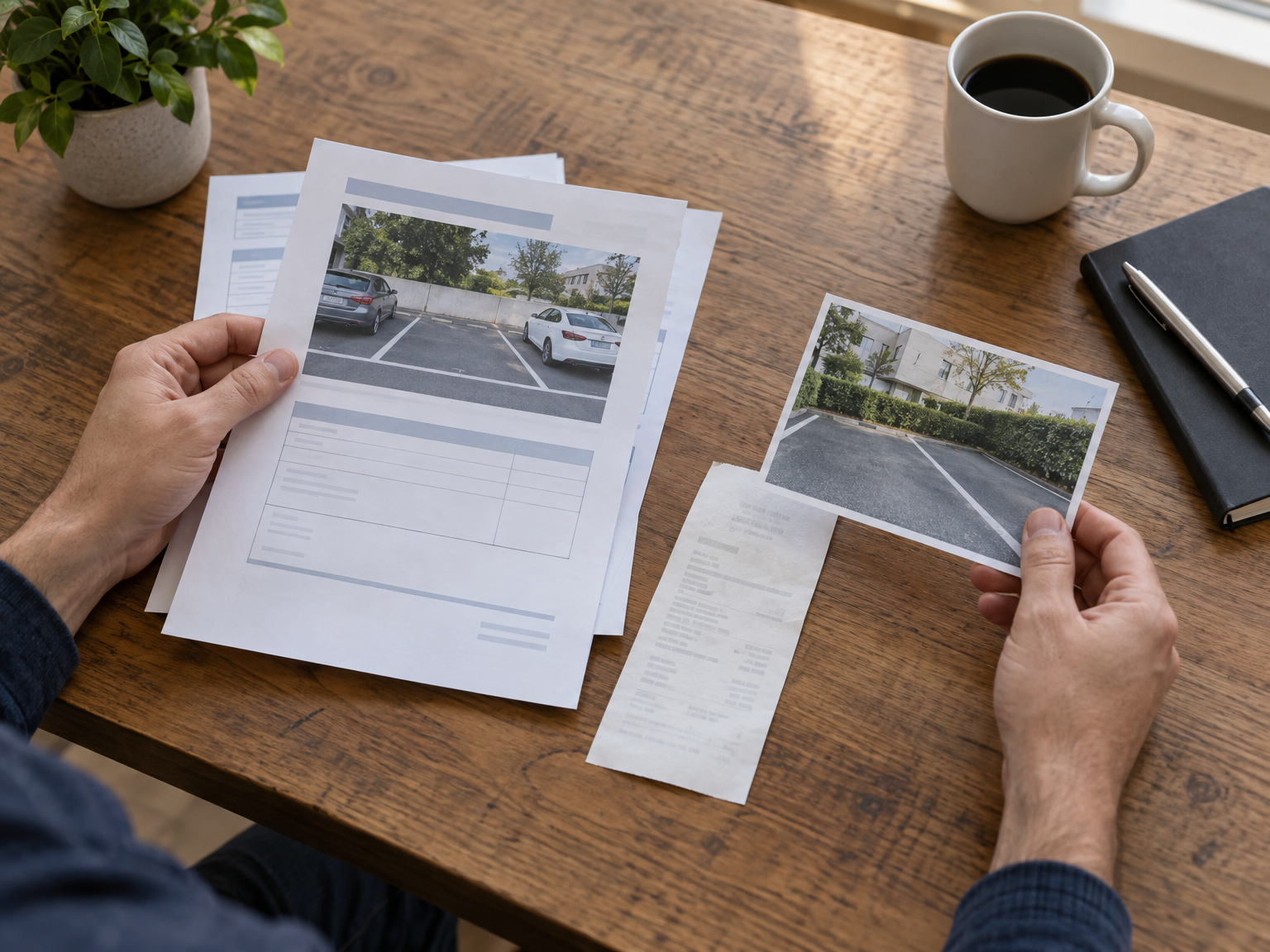
What payment information should you save without exposing sensitive details?
Retain the receipt or confirmation email, transaction date, booking reference, amount charged, and a limited payment identifier. Never save or share full card numbers, security codes, passwords, or account credentials. Parking Mate payments use Stripe, and applicable fees are shown before you confirm the booking.
A useful payment record might include:
- The total amount charged
- The booking subtotal, if shown
- Any renter service fee shown before confirmation
- The date and time of the transaction
- The booking or confirmation reference
- The last few digits or other limited identifier provided by the payment record
Parking Mate publishes its applicable fees on its pricing and fees page. Keep the receipt that was actually connected to your booking rather than relying on a general fee page to reconstruct the charge later.
Financial records deserve extra care. Store them in a private folder, protect the device or account where they are kept, and remove unnecessary personal information from screenshots before sending them to someone else. A receipt can confirm a payment without exposing your entire payment method.
Check your statement when practical so you can spot an amount or transaction you don't recognize. The FTC explains that receipts and transaction documents can help consumers address inaccurate credit-card charges. Payment-dispute procedures vary by payment method, however, so a credit-card process should not be treated as a universal rule for debit cards, bank transfers, or other payment types.
If you believe a charge is wrong, first preserve the booking record and contact the relevant host or marketplace promptly. You may also need to ask your card issuer or financial institution about its process and deadlines. Saving documents supports your explanation, but it does not guarantee that a charge will be reversed.
What should you document if the private space is unavailable or different from the listing?
If the space is blocked, inaccessible, occupied, unsafe, or materially different from the listing, create a clear record while the facts are fresh. Note what happened, take relevant photos, contact the host or platform promptly, and save every message about the requested resolution.
- Record the time and facts: Write down when you arrived, what you expected to find, what was different, and whether you tried the listed access method. Stick to observable details instead of guessing why the problem occurred.
- Take relevant photos: Photograph the entrance, obstruction, space boundaries, posted access information, or condition that prevented use. Avoid including unnecessary people, personal information, or unrelated property in the frame.
- Contact the host or platform promptly: Explain the issue in writing and include the booking reference when appropriate. Ask what solution is available, especially if you need immediate instructions or cannot use the space.
- Preserve the requested resolution: Keep replies, photos, receipts, and notes about what you asked for. If someone proposes a replacement arrangement or another remedy, save that proposal rather than relying on memory.
For example, if a driveway space is occupied, you might photograph the vehicle blocking the space, note your arrival time, and send a short message explaining that you cannot access the booked area. If the instructions lead to the wrong entrance, save the original directions and describe where they brought you.
Documentation may help explain the situation, but it doesn't guarantee a refund or a successful payment dispute. Booking terms, the facts of the case, the payment method, and the response from the host or marketplace can all affect what happens next. The FTC also recommends keeping copies of complaint records and supporting documents instead of sending away your only copy.
For a Parking Mate support question, you can use the contact page. Keep a copy of your message and note when you sent it. If a financial institution becomes involved, follow its instructions for the specific payment method you used.
How can renters organize booking records so they are easy to find?
A small, consistent system is enough: create one folder or note for each booking, use clear labels, and keep a secure backup. Put the confirmation, listing captures, photos, messages, receipt, and issue reports together so you don't have to search several apps during a problem.
- Create one booking folder or note: Use a simple label with the space name or general location and the booking date. Keep emails, screenshots, downloaded files, and written notes connected to that reservation in one place.
- Use readable filenames or labels: Names such as `confirmation`, `arrival-instructions`, `listing-photos`, and `arrival-condition` are easier to find than a series of automatic screenshot numbers. Add the date when it helps sort several files.
- Keep a secure backup: Store a copy in a protected cloud folder, a second device, or another safe location. Make sure the backup is private, especially when it contains receipts, addresses, access information, or personal messages.
A phone folder may be enough for a short parking reservation. A longer booking, event arrangement, storage rental, or unfamiliar location may deserve a little more organization. You can also keep a short text note with the booking period, host name if provided, space location, and the most important arrival instruction.
Don't save more sensitive information than you need. Remove full payment details from copies that don't require them, use device security features, and avoid sending an entire record folder when one receipt or message will answer the question.
There is no universal retention period that applies to every renter or booking. Keep records long enough to review the charge, address an open issue, and meet any applicable marketplace or payment-provider deadline. If a problem remains unresolved, don't delete the supporting documents while you're still communicating about it.
What should Parking Mate renters retain from their booking?
Parking Mate renters review a listing, book dates, pay through Stripe, and follow the host's arrival and parking instructions. For each reservation, retain the related listing details, booking confirmation, payment record, instructions, relevant messages, and photos that clarify the space or any problem.
A practical Parking Mate record might include:
- The listing page and original space photos
- The dates and time period you booked
- The space type and location information shown to you
- The confirmation and payment receipt
- Fees and total amount displayed before confirmation
- Host directions about arrival, access, and where to park
- Messages that clarify restrictions, changes, or exceptions
- Photos taken when the space is difficult to identify or unavailable
- Any written issue report and the response you receive
Parking Mate offers different types of privately listed spaces, so the useful details can vary. A driveway renter may need boundary and vehicle-position information, while someone booking indoor or outdoor storage may need access timing and space-condition details. Save what affects your specific reservation rather than collecting unrelated information.
If you're still looking for a space, you can search Parking Mate listings and start the same record habit as soon as you book. Review the listing carefully, save the important details, and keep your records together throughout the reservation.
The best system is simple enough to use every time. A confirmation, a clear copy of the listing, written instructions, a safe payment record, and a short issue trail can make arrival easier and give you a clearer account of what happened if the booking doesn't go as expected.
Related reading
Frequently asked questions
What should I save after booking a private parking space?
Save the booking confirmation, original listing details, arrival instructions, important host messages, payment receipt, and relevant photos. Keep them together in one secure folder or note.
Should I save screenshots of the private space listing?
Yes. Save the description, restrictions, access details, space boundaries, and original photos before arrival. A saved copy gives you a practical reference if the listing later changes.
What should I do if my booked private space is unavailable?
Record the time and facts, take relevant photos, contact the host or marketplace promptly, and preserve all messages. Documentation can explain what happened but does not guarantee a refund.
Is it safe to save my full card number with my booking records?
No. Keep the receipt, amount, date, booking reference, and a limited payment identifier, but do not save or share full card numbers, security codes, passwords, or other credentials.