
What do unused space host operations include?
Unused space host operations are the recurring tasks that keep a listing accurate and usable before, during, and after each booking. They include calendar control, access instructions, renter messages, space inspections, payout records, and written routines. Creating a listing is only the beginning of managing a rentable space.
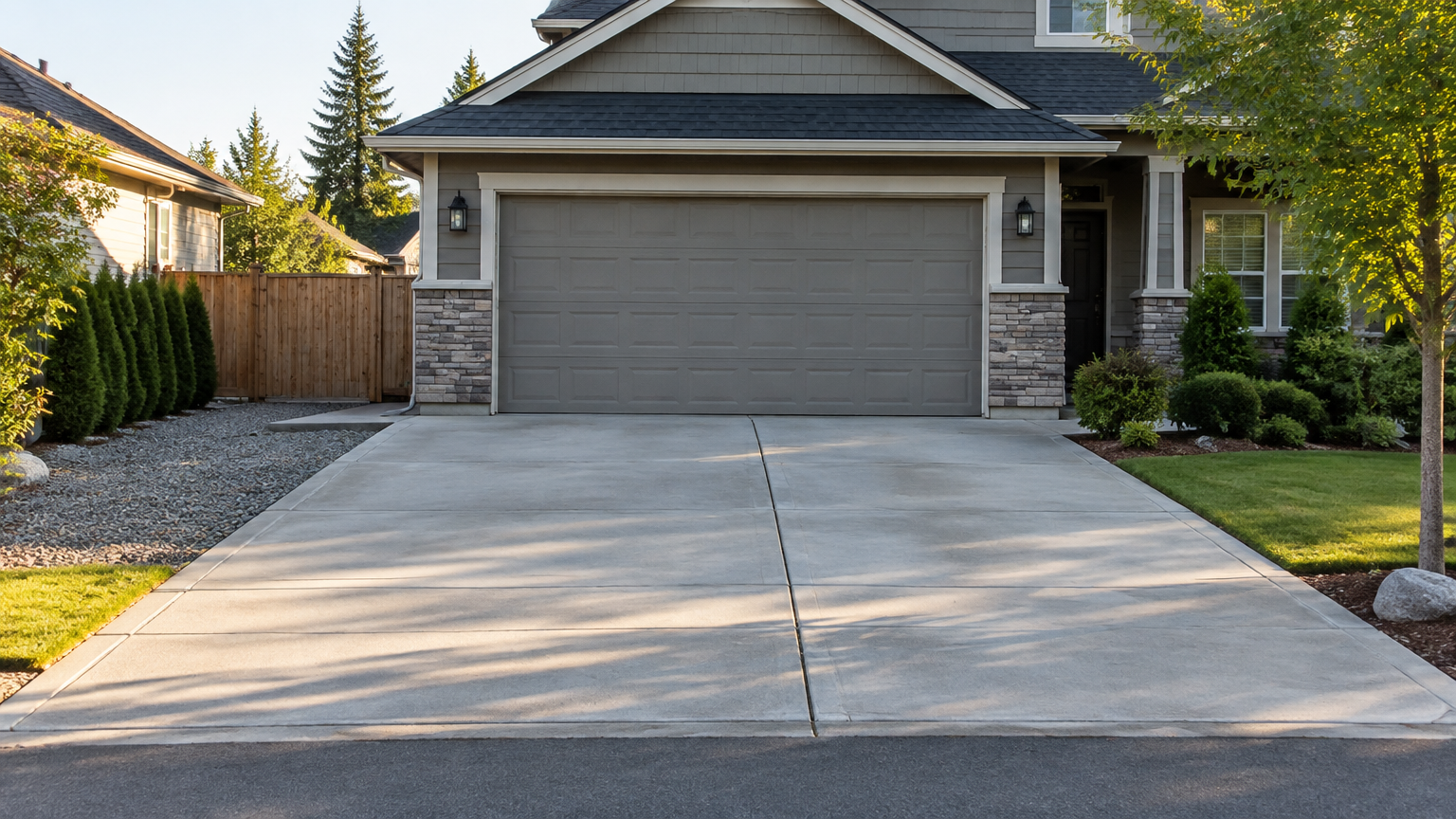
A host may be managing a driveway used by the hour, a garage rented monthly, an outdoor lot, an indoor storage area, or another listed space. Each type has different details, but the basic goal stays the same: match the listing to real conditions.
Parking Mate lets hosts list available space, set their own pricing and availability, receive bookings, and track activity. The platform does not take over access, cleaning, maintenance, renter communication, or on-site problem solving. Those tasks belong in the host’s operating routine. The Parking Mate host guide explains the basic listing and booking flow.
How should hosts keep an unused space calendar accurate?
An accurate calendar shows the dates and times a space is genuinely available, not merely the times a host hopes to rent it. Record confirmed bookings, block personal-use dates, remove maintenance periods, and review availability before accepting new reservations. Parking Mate hosts control their own calendar and may set hourly or monthly rates.
A simple four-part calendar check can prevent many avoidable scheduling mistakes:
- Record confirmed bookings. Add every accepted reservation to your working calendar as soon as it is confirmed. Include the renter’s dates, times, space type, and any special restrictions that affect another booking.
- Block personal-use dates. Mark days when you need the driveway, garage, lot, or storage area yourself. Personal use can include visitors, deliveries, home projects, parties, or planned vehicle access.
- Add maintenance blocks. Remove time needed for cleaning, repairs, inspections, weather-related work, or access changes. Do not leave a space available while it is difficult or unsafe to use.
- Review before opening availability. Check the calendar against your actual plans before adding new dates or confirming a request. Look for overlapping reservations, forgotten blocks, and changes to the property.
A monthly renter may need a different calendar approach from an hourly parking renter. For monthly use, confirm the full occupied period and any agreed access window. For hourly use, pay closer attention to arrival and departure times, especially when two bookings occur on the same day.
What should renters receive before they arrive?
Renters should receive booking-specific information that lets them find the right entrance, identify the correct space, follow any gate or lock directions, understand arrival and departure expectations, and know what to do if access fails. Keep private access details out of public listing text and update each message when booking details change.
Use these five arrival details as a practical starting point:
- The correct entrance. Explain which driveway, gate, walkway, or building entrance the renter should use. If more than one entrance exists, clearly identify the one connected to the booking.
- The exact space or boundaries. Describe where the vehicle, stored item, or activity belongs. Mention visible boundaries such as the left side of a driveway, a marked garage bay, or a specific section of a lot.
- Gate, lock, or access directions. Include the instructions the renter needs for the confirmed booking, but avoid publishing sensitive details in the public listing. Tell the renter what to do if a lock, gate, or access method does not work.
- Arrival and departure expectations. State when the renter may arrive, where they should stop or park, and what they need to do when leaving. These details matter even when the space looks easy to find.
- A problem-reporting step. Give the renter one clear way to report a blocked entrance, incorrect space, or failed access. Ask for useful details, such as the location where they are waiting, without asking them to share unnecessary personal information.
Match every instruction to the actual reservation. A garage may need a door-opening sequence, while an outdoor lot may need boundaries and lighting details. The arrival instructions checklist offers related guidance for preparing these messages.
How can hosts organize booking communication without starting over each time?
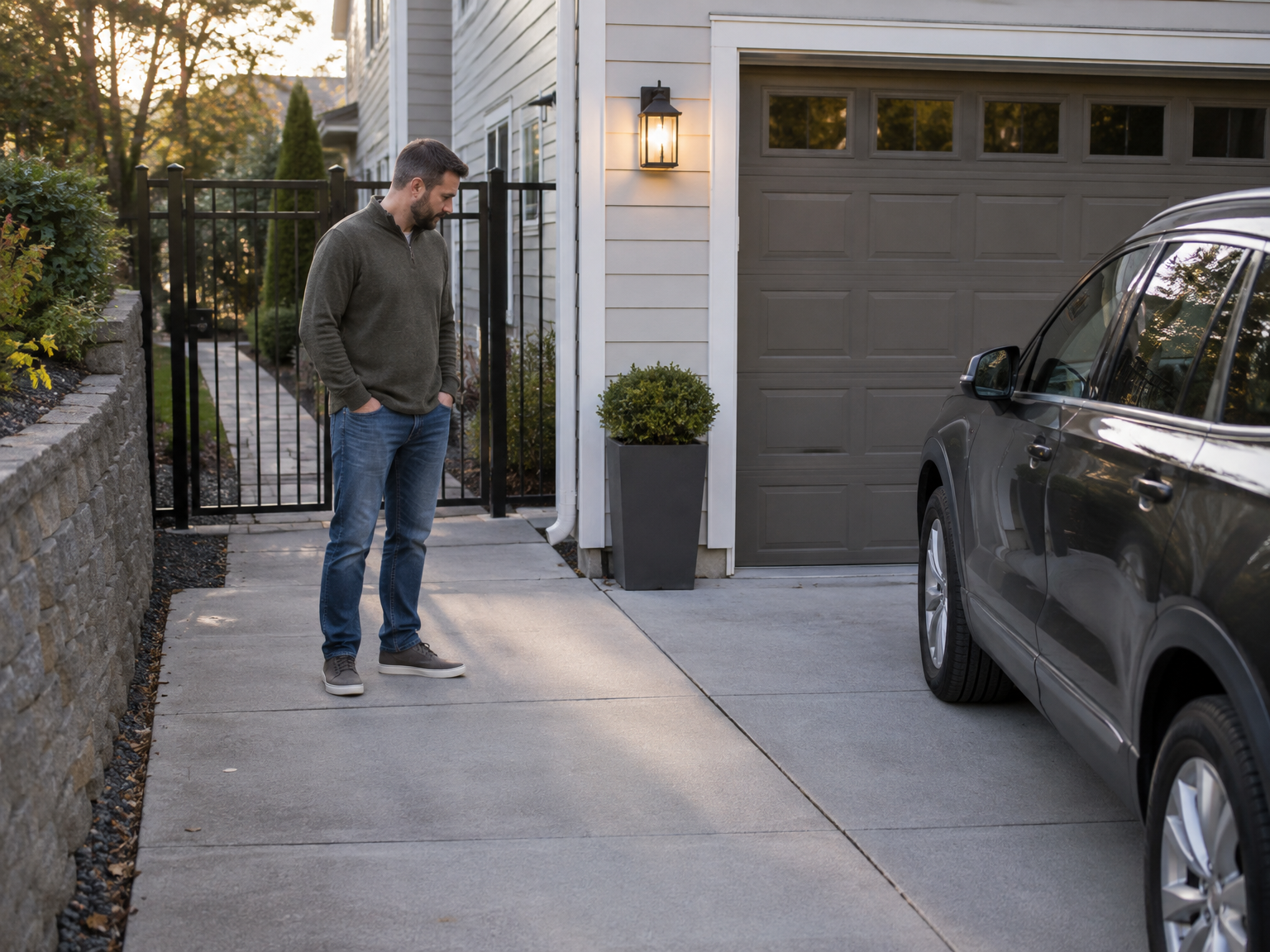
A consistent communication routine keeps important details tied to the correct reservation. Use simple templates for confirmation and arrival reminders, then record changes, access problems, and outcomes in a dated log. Templates save time, but hosts still need to check every message for accurate dates, entrances, rules, and space details.
A useful communication routine has four parts:
- Send confirmation details. Restate the booked dates, time window, space location, and key rules. This gives the renter one clear reference point instead of requiring them to search through earlier messages.
- Send a pre-arrival reminder. Provide the instructions the renter needs shortly before arrival. Recheck that the gate, entrance, boundaries, and permitted use still match the property.
- Record changes and problems. Note changed arrival times, access questions, blocked spaces, cancellations, or other issues with the date and time. A booking communication log makes it easier to reconstruct what happened later.
- Record the outcome. After departure, note whether the space was left as expected, whether maintenance was needed, and whether any follow-up remains open.
Keep templates in a folder or document with separate versions for hourly parking, monthly parking, garages, storage areas, and outdoor spaces. Do not rely on a generic message if the property has unusual access rules. A driveway shared with household vehicles needs different instructions from a private garage with a single entrance.
What should hosts check between bookings?
Between bookings, inspect the parts of the space that affect access, safety, cleanliness, and the renter’s ability to use what was advertised. A driveway, garage, lot, storage area, indoor space, outdoor area, or pool may need a different checklist. The goal is to compare the real condition with the listing and booking instructions.
A six-point space condition checklist covers the basics:
- Cleanliness. Remove trash, loose debris, spilled materials, or items that interfere with parking, storage, or access. Indoor spaces may also need a check for dust, moisture, or unwanted materials.
- Surface condition. Look for potholes, broken pavement, standing water, damaged flooring, slippery areas, or other changes that affect the intended use. Record problems instead of assuming they are minor.
- Lighting. Check lights serving the entrance, garage, walkway, or lot. If the space is used after dark, make sure the renter’s instructions match the actual visibility and access conditions.
- Gates and access paths. Test gates, doors, latches, walkways, and other entry points that renters are expected to use. Remove obstacles and update instructions if the route changes.
- Obstructions and stored items. Confirm that household vehicles, tools, trash bins, deliveries, construction materials, or personal belongings are not occupying the rented area.
- Markings and boundaries. Make sure the renter can distinguish the booked space from nearby areas. In a garage, check the correct bay. In a lot or driveway, check that boundaries remain clear.
The inspection frequency should fit the booking pattern and property. A heavily used hourly space may need checks between bookings, while a monthly garage may need scheduled reviews during the rental period. A checklist is a management aid, not a substitute for local safety, building, fire, or accessibility rules.
What payout and expense records should an unused space host keep?
Keep a separate record for each booking that connects the reservation to its gross amount, Parking Mate host fee, refunds or adjustments, actual payout, and related expenses. Organized records make it easier to review results and prepare questions for a tax professional. The IRS recommends records that clearly show income and expenses.
For each booking, connect these six records:
- Booking dates and details. Save the reservation dates, space type, booking reference, and any important changes. These details connect the financial entry to the activity that produced it.
- Gross booking amount. Record the amount charged before deductions. Do not treat the gross amount as profit.
- Parking Mate’s host processing fee. Parking Mate publishes a host processing fee of 3.9% plus $0.30 per booking, deducted from the host payout. Check the current published pricing and fees page when reviewing your records.
- Refunds or adjustments. Record partial refunds, cancellations, corrections, or other changes separately so they are not confused with the original booking amount.
- Actual payout. Enter the amount that reaches the host payout account and compare it with the booking calculation. Parking Mate uses Stripe for payment processing, but a host should still keep an independent ledger.
- Related expenses and receipts. Save receipts for eligible operating costs, such as maintenance or supplies, and note which space or booking they relate to. Tax treatment depends on the host’s circumstances.
A basic spreadsheet can include booking date, gross amount, fee, adjustment, payout, expense, receipt location, and notes. Digital folders can use the same structure by month or property. The IRS also advises reviewing payment statements alongside your own records, including fees and refunds. Income from platform-based rental activity may need to be reported, even when a host does not receive an information return. Consult a qualified tax professional for personal guidance.
How can a host turn these tasks into a repeatable operating routine?
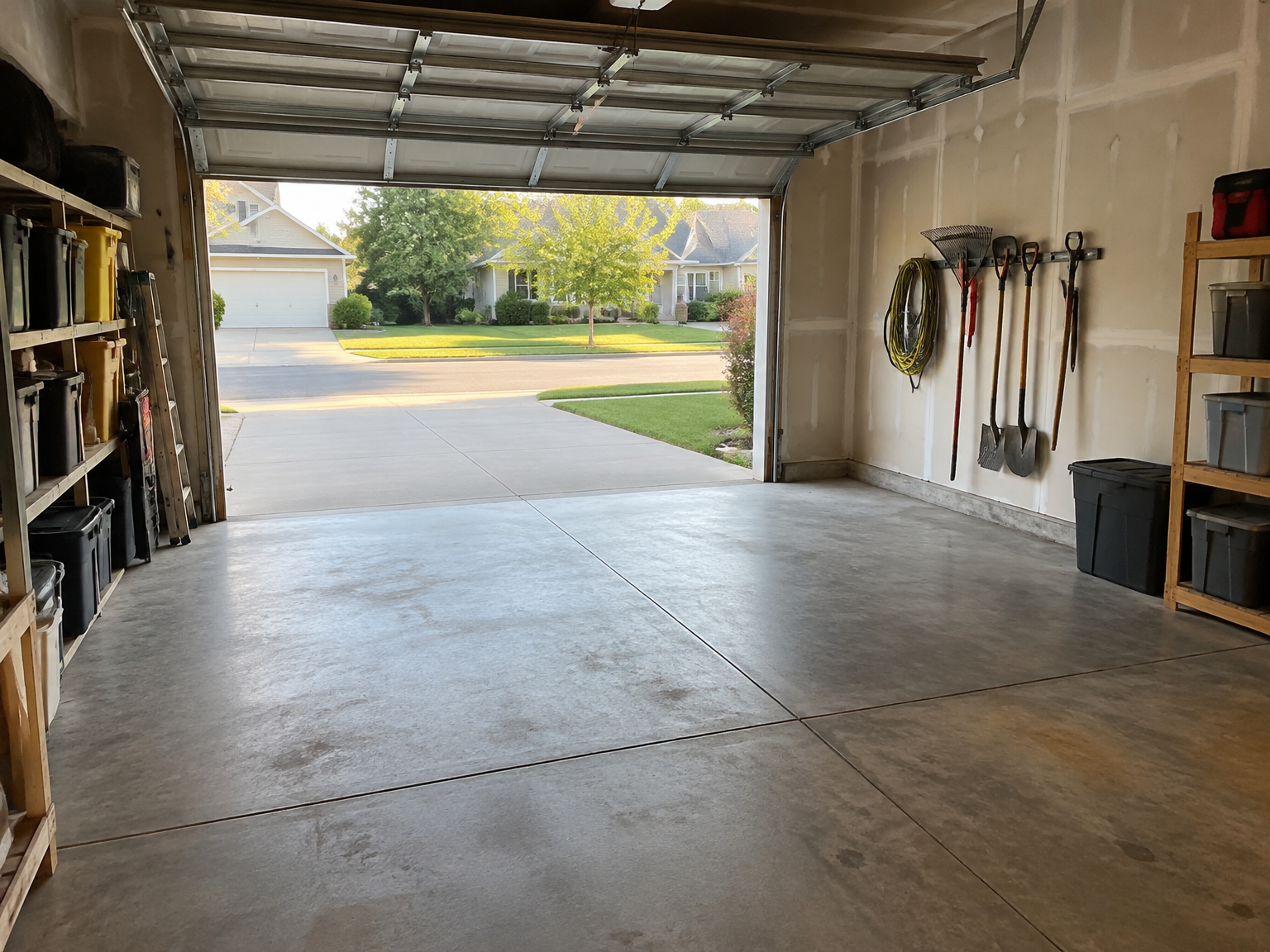
A repeatable hosting process turns scattered reminders into scheduled work. Review the calendar, prepare arrivals, inspect the space, log communication or incidents, and reconcile payouts and expenses. Written steps are especially useful when a host manages several space types or continues using the property personally.
Build the routine around five recurring checkpoints:
- Review the calendar. Check upcoming bookings, personal-use blocks, maintenance periods, and changes to availability. Do this after every confirmed booking and on a regular weekly schedule.
- Prepare upcoming arrivals. Confirm the space, entrance, access method, boundaries, and renter message. If anything has changed, update the instructions before the arrival window.
- Inspect the space. Use the property-specific condition checklist. Take a note or photo for your private records when a problem needs follow-up, while avoiding unnecessary personal information.
- Log communication and incidents. Record access failures, late changes, blocked spaces, damage concerns, or unresolved questions with dates and actions taken.
- Reconcile payouts and expenses. Match booking records to payout information, platform fees, refunds, receipts, and maintenance costs. Review open discrepancies instead of carrying them forward without explanation.
Troubleshooting works best when the response is specific. If a renter cannot find the entrance, send corrected directions and update the template. If a gate fails, tell the renter what to do next and block the space until access works. If you forgot a personal-use block, contact the affected renter promptly and document the change. If the space becomes unusable, remove it from availability and communicate before arrival.
A payout mismatch may come from a fee, refund, timing difference, or adjustment. Compare the booking record, payment statement, and ledger before deciding that an error occurred. If the booking details change, update the calendar, access message, and financial note together. The aim is not to promise a problem-free operation. It is to make problems easier to spot and handle.
What local and property rules should hosts check before operating a space?
Before renting unused space, check local zoning or permit rules, HOA or condo bylaws, lease terms, landlord permission, insurance coverage, and any accessibility obligations that apply to the property and use. These rules vary widely. Parking Mate is not an insurer, lawyer, or tax adviser, so hosts should consult the relevant authority or professional.
A homeowner may need to review city or county rules for parking, storage, business activity, access, signage, or fire clearance. A tenant may need written landlord permission before renting a driveway, garage, parking stall, or storage area. HOA, condominium, cooperative, and neighborhood rules may also restrict commercial activity or recurring access by non-residents.
Insurance deserves a separate check. A standard homeowners policy may limit or exclude coverage for recurring rental or home-sharing activity, according to the NAIC insurance guidance. Ask your insurer how paid third-party use of the specific space is treated. Do not assume that a listing or payment through Parking Mate creates insurance coverage.
Tax obligations also depend on your situation, including how often you rent, what type of property is involved, and which expenses apply. Keep organized records and seek individualized advice when needed. If the space is a business lot or garage, check applicable accessibility rules rather than assuming residential guidance applies. A careful operations system starts with permission to operate, then keeps the listing, calendar, instructions, property, and records aligned.
Related reading
Frequently asked questions
What are unused space host operations?
Unused space host operations are the recurring tasks that keep a listing accurate, accessible, usable, and financially organized before, during, and after bookings.
How often should a host review a rental space calendar?
Review the calendar whenever a booking is confirmed, a personal-use date changes, maintenance is needed, or new availability is added. A regular weekly review can also catch forgotten blocks.
What should access instructions include?
Access instructions should explain the correct entrance, the exact space boundaries, gate or lock directions, arrival and departure expectations, and what to do if access fails.
What records should space hosts keep?
Keep booking dates, gross amounts, host processing fees, refunds or adjustments, actual payouts, related expenses, receipts, and important booking communications.
Does Parking Mate handle maintenance or access problems for hosts?
No. Hosts remain responsible for accurate access information, space condition, renter communication, and on-site issue handling.