
What should normal host communication cover before you book a private space?
A normal pre-booking conversation should help you understand the space, dates, access, price, restrictions, and arrival process. A host does not need to reply instantly, but the answers should be clear enough for you to decide whether the driveway, garage, lot, or storage area fits your needs.
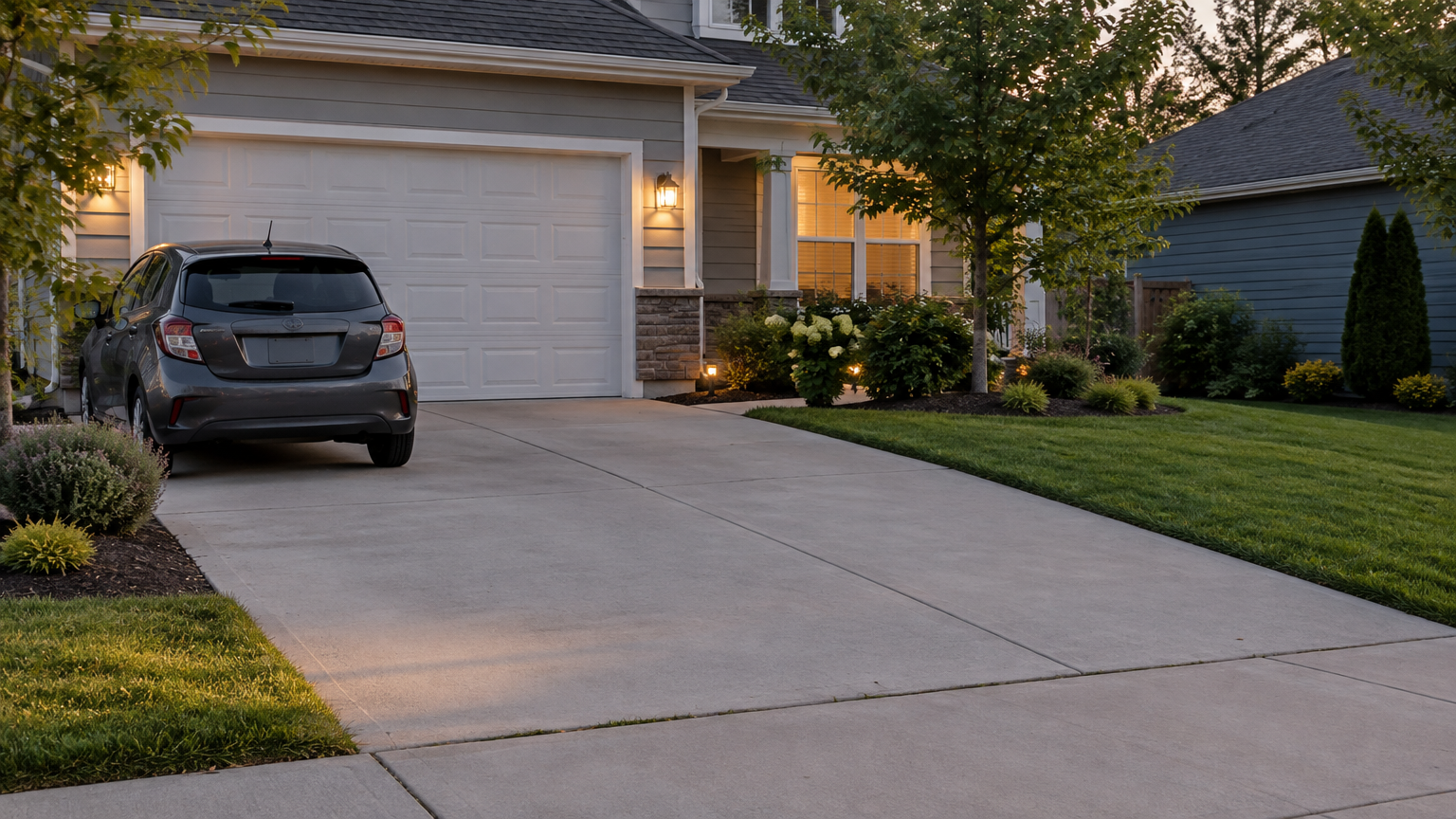
Start with practical questions that relate directly to the booking. Ask where the space is located in general terms, whether the dates are available, how you enter, and whether your vehicle or belongings fit. For a parking booking, you may need to confirm vehicle size, overnight access, clearance, and whether anyone else can block the space.
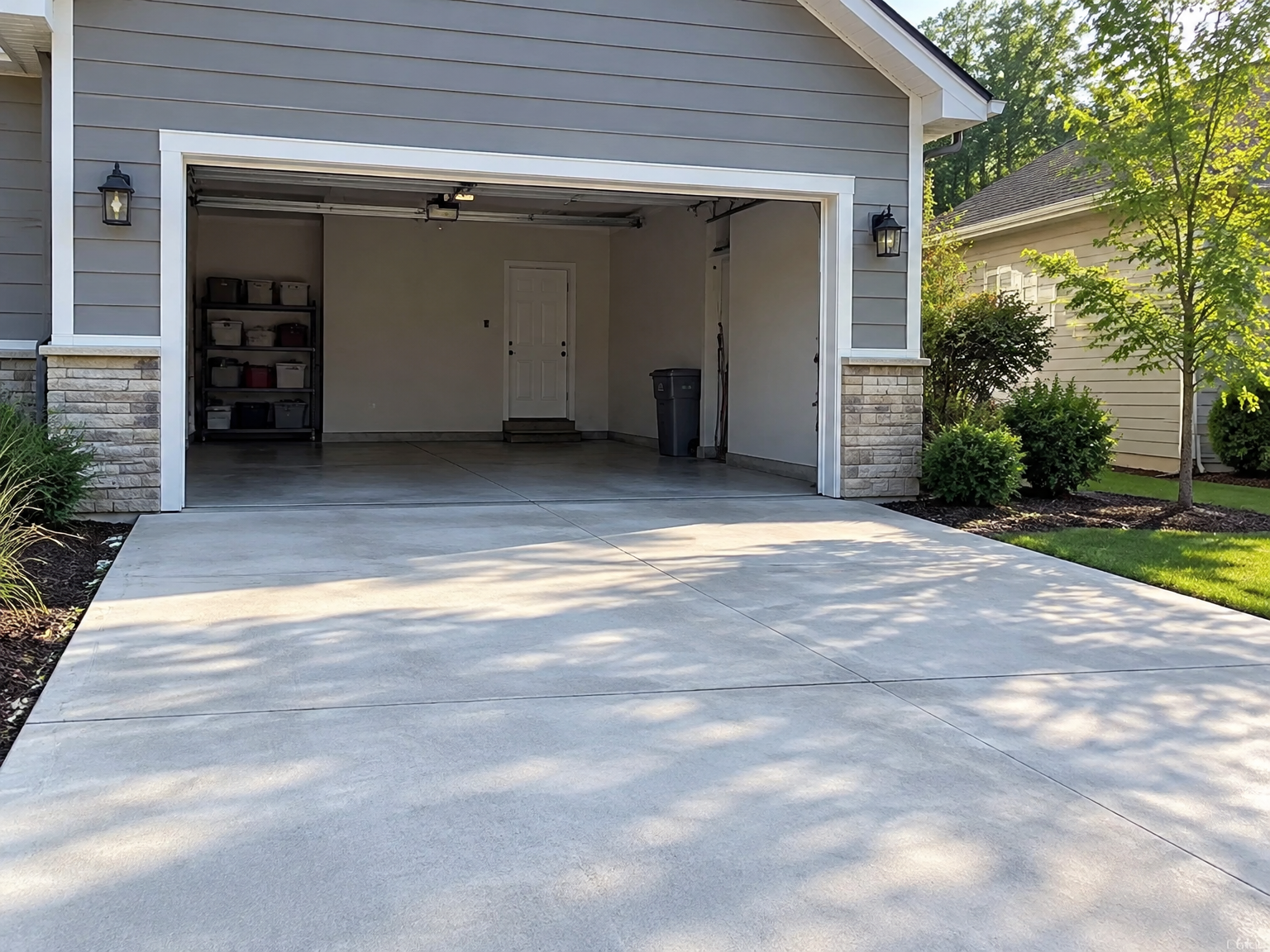
Storage renters may need different details. Ask about indoor or outdoor placement, access hours, weather exposure, locks, and any restrictions listed by the host. A lot booking could require questions about trailers, boats, RVs, or other equipment. The right questions depend on the type of private space and the host’s stated rules.
Clear, consistent answers build trust because they give you a realistic picture of what you are booking. A vague response is not automatically proof of fraud. Some hosts are busy, may need to check a detail, or may communicate briefly. The concern grows when a host repeatedly avoids simple questions, contradicts earlier messages, or tries to move you toward payment before explaining the space.
Look for consistency between the listing and the messages. If the listing describes a garage but the host later says the space is outdoors, or the access instructions change several times, pause and ask for clarification. You can also browse available private spaces and compare the information you receive with the details shown in the listing.
Basic logistical information is different from sensitive information. A host may reasonably need an arrival time, vehicle description, or general booking detail, depending on the listing. That does not give the host a reason to request passwords, banking credentials, or security codes.
Which host messages should make you pause before booking?
Two communication patterns deserve special attention: pressure to act immediately and refusal to answer basic questions. Either one can have an innocent explanation, but the combination is more concerning because it leaves you with less time and less information to check the booking.
- Pressure to book or pay right away. Messages such as “send money in the next 10 minutes,” “do not ask more questions,” or “someone else will take it if you wait” are designed to shorten your decision-making time. A legitimate host may tell you that availability is limited, but you should still have enough time to review the listing and understand the payment process.
- Evasive or contradictory answers. A host who will not explain access, location context, restrictions, dimensions, price, or arrival instructions is giving you a reason to stop and reassess. Changing the subject, sending unrelated explanations, or insisting that details do not matter can be a warning sign, especially when the host still wants immediate payment.
The Federal Trade Commission identifies pressure to act quickly as a common scam warning sign. Scammers use urgency to keep people from checking information or asking someone they trust. That does not mean every fast-moving conversation is fraudulent. It means urgency should not replace normal questions and independent checks.
Pay attention to what the host is asking you to ignore. “Just trust me” is not a substitute for knowing where you will park, how you will enter, or what you are paying. You do not need to accuse the host of wrongdoing. A simple pause is enough: do not book until the details make sense.
A delayed reply by itself is usually a weaker signal. The host may be at work or unavailable. What matters more is the overall pattern. A slow but complete answer is different from a quick demand for payment that avoids every practical question.
Why are changing payment instructions a serious booking red flag?
A sudden change to the payment link, recipient, account, or method should stop the booking until you check it through a known official channel. Requests for gift cards, cryptocurrency, wire transfers, cash, unfamiliar payment apps, or direct card details create risks that are separate from the quality of the parking or storage space.
Keep payment inside the expected booking flow whenever possible. Parking Mate’s platform information states that renter payments are processed through Stripe, and applicable fees are shown before you confirm. A host should not need your full card number, bank login, or payment account password sent in a private message.
Be especially careful when a host says a previous link no longer works and sends a replacement. The new link may be legitimate, but an unexpected change deserves independent checking. Do not use the phone number, email address, or website link included only in the suspicious message to confirm it. Those details could belong to someone impersonating the host or a trusted service.
Requests for difficult-to-recover payment methods are another warning sign. The FTC advises caution when someone insists on methods such as wire transfers, gift cards, or cryptocurrency in a rental situation. An unfamiliar payment app or a request to hand over cash may also take you outside the normal booking process and make it harder to document what happened.
Review the amount and fee details before confirming. Parking Mate publishes its renter service fee and shows applicable fees before confirmation. You can read the current information on the Parking Mate pricing and fees page. If a message claims you must pay an extra amount immediately, compare that request with the official booking information rather than accepting the host’s explanation automatically.
Never enter credentials into a page simply because it displays a familiar name or logo. Check the website address carefully. Stripe advises users to check the domain, avoid suspicious links, and never share Stripe credentials. The FTC also warns that phishing messages may imitate trusted companies and ask you to update payment or account details through a link.
What personal information should you never send to a private-space host?
A host may need ordinary booking details, such as your expected arrival time, vehicle type, or a way to identify the vehicle. Sensitive account and financial information is different. Do not send passwords, one-time codes, bank login credentials, Social Security numbers, full card details, or unnecessary identity documents to a host.
Think in two categories: logistical information and account credentials. The first category supports arrival and use of the space. The second protects your money, identity, and online accounts. A host does not need your email password, Parking Mate password, bank login, or security code to show you where to park.
Never send a one-time verification code because someone says it is needed to confirm your reservation. Never share a verification code with a person who contacts you unexpectedly. A code can help someone enter or take over an account, even if the message claims to come from Parking Mate, Stripe, your bank, or another familiar company.
Be cautious with identity documents, too. A host might have a legitimate reason to ask for some information in a particular situation, but you should not send an unrequested driver’s license, passport, Social Security number, or other document merely because a message says your booking will be canceled otherwise. Stop and confirm the request through an official channel first.
Unexpected links deserve the same treatment. A suspicious parking space booking message might ask you to sign in, update payment information, verify your identity, or claim a refund. Do not click the link to investigate. Open a known official website yourself, or use the support information you already have.
If you clicked a suspicious link but did not enter information, close the page and avoid returning to it. If you entered a password, change it through the official account website and change it anywhere else you reused it. If you shared financial information, contact the relevant financial institution promptly.
What should you do after spotting a host communication red flag?
Treat a red flag as a reason to pause and verify, not automatic proof that a host is committing fraud. Stop the booking when the messages combine urgency, evasive answers, payment changes, suspicious links, or requests for sensitive data. Then preserve the information and use official channels to check what happened.
- Pause the booking. Do not send money, confirm the reservation, or follow new instructions until the listing and payment process make sense. You can leave the conversation without debating the host.
- Stop sharing information. Do not click suspicious links, reply with credentials, or send additional documents. If you already entered a password, change it through the official account site rather than through the message.
- Save the records. Keep screenshots, listing details, payment requests, email addresses, phone numbers, links, and timestamps. Do not edit the messages in a way that removes useful context.
- Check through an official route. Use a known official route to verify concerns rather than relying on contact details supplied by the questionable sender. For Parking Mate questions, use the official contact page or the support information you already know.
- Contact the right financial or account provider quickly. If you paid or shared sensitive information, contact your bank, card issuer, payment provider, or affected account company using its official website or phone number. Explain what happened and ask what protective steps are available. Do not assume a reversal or refund is guaranteed.
Reporting a suspicious listing or message is most useful when you provide clear records and avoid continuing a risky exchange. Parking Mate’s support team can receive your concern through its official contact information. The FTC also provides guidance on what to do after a scam, including contacting the company involved in the payment as soon as possible.
If the message involved impersonation or phishing, report it to the service being impersonated when that service provides a reporting route. You can also review guidance from the FTC on phishing scams and CISA’s advice about suspicious links, urgency, and requests for personal information.
How can Parking Mate renters confirm the expected booking process safely?
Parking Mate renters find a listing, review its details, choose available dates, book the space, and pay through Stripe. Applicable fees appear before confirmation. A host should not need your login credentials or full card details directly, and suspicious instructions should be checked through Parking Mate’s known website or support channel.
The safest approach is to keep each step connected to the official listing and booking process. Review the space category, photos, price, availability, access rules, and arrival instructions. Ask the host practical questions through the normal conversation, but do not let a host rush you past information you need to make a reasonable decision.
Parking Mate includes different types of unused space, including driveways, garages, lots, storage areas, indoor spaces, and outdoor spaces. Each one can have different access and fit concerns. A renter booking outdoor storage should not assume the same instructions apply to a garage. Likewise, a driveway renter should confirm vehicle access rather than relying on a generic address or photo.
When payment is ready, compare what you see during checkout with what the host has told you. Fees should be visible before confirmation. If the host sends a different link, asks you to pay a separate person, or requests direct card information, stop and confirm the situation through Parking Mate support.
A cautious renter does not need to prove that a message is fraudulent before stepping away. You can choose not to book when the communication feels inconsistent or unsafe. The useful rule is simple: verify before you pay or share data. A clear listing and ordinary questions should lead to a booking process you can understand, not a series of rushed exceptions.
Related reading
Frequently asked questions
Is every urgent message from a private-space host a scam?
No. A host may have genuine timing concerns, but pressure to book or pay immediately is a reason to slow down and verify the listing. Urgency becomes more concerning when combined with evasive answers, unusual payment instructions, or requests for sensitive information.
Should I pay a private parking host outside Parking Mate?
Be cautious about any request to leave the expected booking and payment process. Parking Mate renter payments are processed through Stripe, and applicable fees are shown before confirmation. Do not send direct card details, bank credentials, gift cards, cryptocurrency, or other unusual payments to a host.
What information should I never send to a parking host?
Do not send passwords, one-time verification codes, bank login credentials, Social Security numbers, full payment credentials, or unnecessary identity documents. Basic arrival details may be reasonable, but sensitive account and financial information should not be shared with a host.
What should I do if I already paid or shared sensitive information?
Stop communicating through the suspicious message, save records, and contact the relevant bank, payment provider, or account company promptly using a known official channel. Contact Parking Mate through its official support information and report what happened without assuming that a payment can be reversed.