
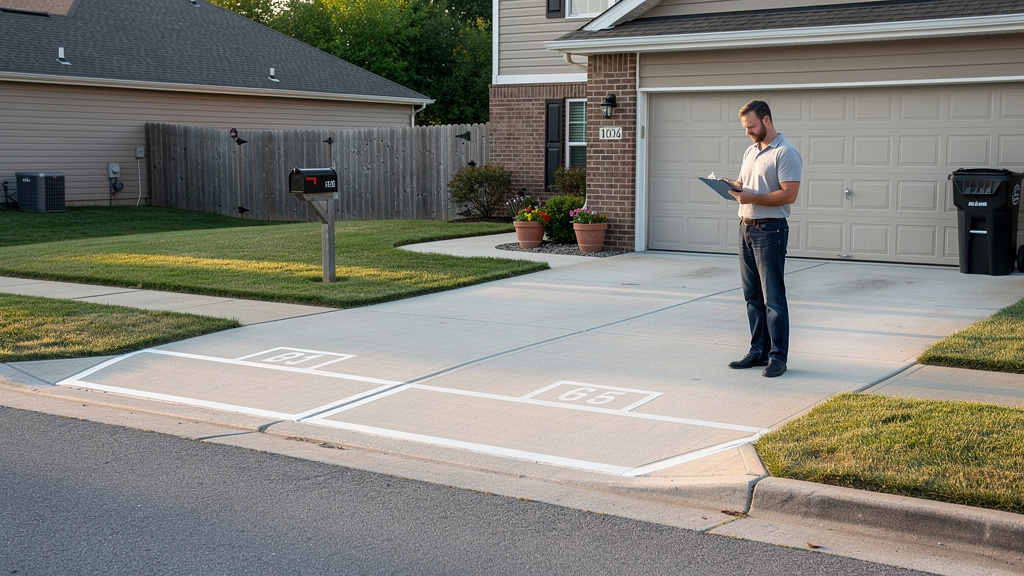
Why isn’t a payment screenshot proof that a parking booking is real?
A screenshot is only an image supplied by the renter, not an independent record of payment. It may be edited, copied from another transaction, or connected to the wrong reservation. Even a legitimate payment can remain pending, fail, or be canceled, so the marketplace record matters more than the picture.
A renter may send a screenshot because they believe it will speed things up, and that alone doesn't prove bad intent. Still, the host needs evidence that can be checked independently. A renter-supplied image is unverified evidence, not permission to release the space or send detailed access instructions.
The same rule applies to a forwarded email, text message, or notification that says “paid.” A fake payment notification can look convincing, especially when it uses familiar colors, a business name, or a realistic transaction amount. The Federal Trade Commission has warned that scammers sometimes send bogus payment notifications to persuade sellers to release goods or provide services.
A real confirmation should connect the renter, the exact space, the reserved date or hours, the amount, and the current booking status inside the marketplace. If those details aren't visible in the official host account, pause the transaction while you check what happened.
How does an official booking record differ from a screenshot or payment message?
An official booking record is retrieved by the host after signing in to the marketplace, while a screenshot or message is supplied by the renter. The record should connect the reservation details and its current status. A message makes a claim, but it doesn't independently confirm that the booking exists.
| Evidence | What it shows | How the host should use it |
|---|---|---|
| Renter-supplied screenshot | An image that claims a payment or reservation was made | Treat it as unverified and compare it with the official account |
| Email or text notification | A message claiming that payment succeeded or needs attention | Avoid using its links; independently check the marketplace |
| Marketplace booking record | A reservation associated with the host, renter, space, dates, amount, and status | Use it as the primary source for the access decision |
| Payment processor status | The recorded state of a payment, which may be completed, processing, canceled, or unsuccessful | Read it together with the booking record and ask support when unclear |
A payment message is not the same as a completed booking. PayPal's general safety guidance recommends logging in to the account directly and locating the corresponding transaction instead of trusting an email alone. That principle also applies to private parking reservations.
Don't assume every marketplace uses identical labels or displays the same fields. The useful test is whether the record appears in the host's own account and whether its details match the reservation the renter is describing.
What should a host check before treating a private parking payment as confirmed?
A safe access decision depends on several details matching at the same time. Check the renter, space, schedule, amount, and current status in the official marketplace record. These checks won't prove that every future dispute is impossible, but they can prevent a host from relying on an isolated screenshot.
- Match the renter identity. Confirm that the name or account information shown in the booking corresponds to the person who made contact. A slightly different name may have an innocent explanation, so ask support rather than making an accusation.
- Match the space. Make sure the booking applies to your actual driveway, garage, lot, or other listed space. A genuine payment for a different listing doesn't give someone permission to use your property.
- Match the dates and hours. Compare the reserved start and end times with the timing in the renter's message. A booking for tomorrow, for example, doesn't confirm a request to arrive today.
- Match the amount. Check whether the amount shown in the official record fits the reservation. A different total may reflect fees or a change, but it should be resolved through the platform rather than explained away from a screenshot.
- Match the current status. Look for the status displayed in the marketplace account. A payment can be pending, processing, canceled, failed, or otherwise incomplete, so don't treat the word “paid” in a message as the final record.
These details are practical checks, not universal screen labels. If one part doesn't line up, keep the space unavailable for access until you understand why.
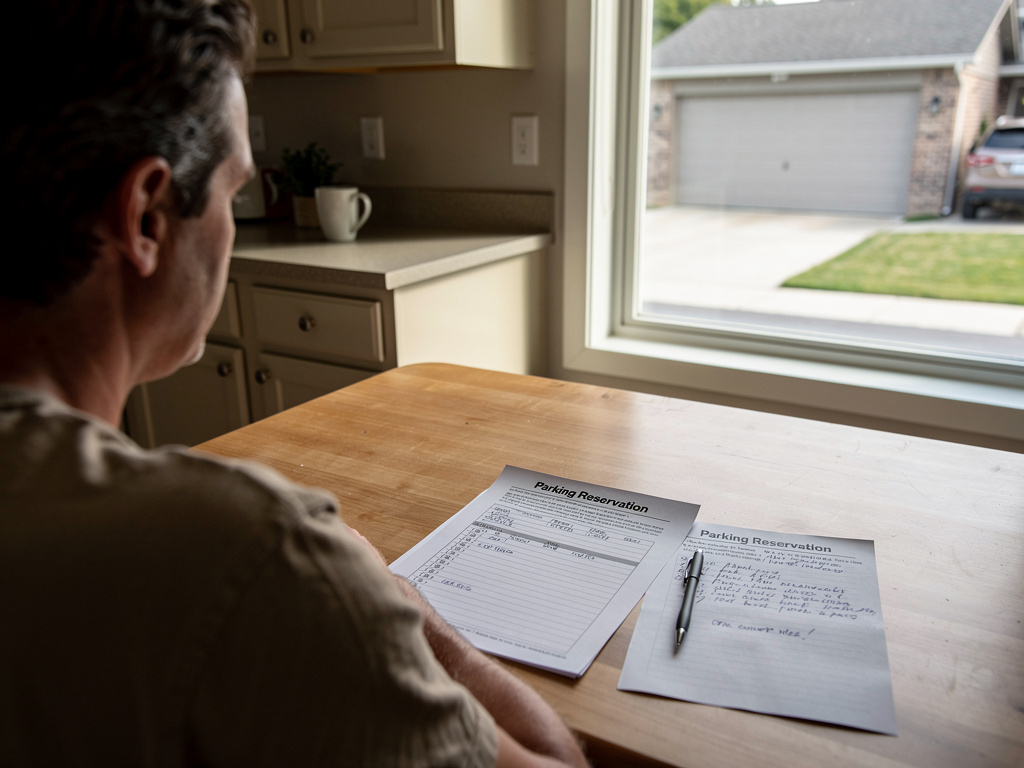
How can you verify a parking payment without trusting the renter’s message?
Verify the reservation from the host side, using a website or app that you opened yourself rather than a link in the renter's message. Find the matching booking, review its details and status, and contact official support if the record is missing or confusing. Check the account you open yourself before proceeding.
- Open the marketplace directly. Use the normal Parking Mate website or app route instead of clicking a payment link in an unexpected text or email. The FTC recommends contacting a company through a website or number known to be genuine.
- Sign in to the host account. Enter your credentials only through the official service. Never provide a password, card number, bank details, or verification code in response to an urgent payment message.
- Locate the matching booking. Search your host-side bookings for the renter, space, and requested time. A renter's claim that a reservation exists is not enough if no corresponding record appears.
- Review the details and status. Compare the booking information with the renter's screenshot or message, but let the official record control. The marketplace record is the source of truth for deciding whether the reservation is active enough to continue.
- Contact official support when needed. If the booking is absent, duplicated, inconsistent, or stuck in an unclear state, contact Parking Mate through its official support page. Don't ask the renter to resolve a platform issue through a separate payment method.
Parking Mate describes a workflow in which hosts manage bookings through the platform, while payments and verification use Stripe. You can review how Parking Mate works for hosts for the broader process, but don't assume a screenshot can substitute for the booking record.
Which signs suggest that a payment confirmation message may be spoofed or unsafe?
A suspicious message often tries to make you act before you check the account yourself. Pressure, strange links, mismatched details, or requests for sensitive information are warning signs, but no single visual flaw proves fraud. Treat the message as unverified and use an independently opened marketplace account instead.
- Urgency or pressure. Be cautious when a renter says you must provide access immediately, threatens to cancel unless you act now, or insists that support cannot be contacted. Legitimate timing concerns can exist, but pressure shouldn't replace verification.
- An unfamiliar sender or link. A sender name can be copied, and an address or web domain can be made to resemble a trusted company. Don't use the message's link to sign in. The FTC explains that phishing messages often direct people to suspicious links.
- A request for login or financial information. Stop if the message asks for your password, card number, bank information, security code, or other private details. A payment notification shouldn't require you to disclose credentials through an attached form or unfamiliar page.
- Mismatched booking details. Compare the claimed amount, space, renter, and schedule with the official record. A mismatch could be a simple mistake, but it means the payment message cannot confirm the reservation as described.
- Instructions to move payment outside the marketplace. Requests for gift cards, wire transfers, cryptocurrency, cash deposits, or another payment app deserve serious caution. Parking Mate uses Stripe for payment processing and verification, so keep the transaction within the official booking workflow.
Spoofing can make a message appear to come from a trusted service. Read the FTC's guidance on recognizing and avoiding phishing scams for general examples, and remember that careful visual inspection is not a replacement for checking the account.
What should you do if the booking is missing, pending, canceled, or inconsistent?
Don't grant access simply because the renter says the payment went through. A missing, pending, canceled, or mismatched record calls for a pause and an official check. Payment systems can use several statuses, and a message marked “paid” may not reflect the current state of the booking.
- No booking appears. Tell the renter that you can continue once the reservation appears in the official marketplace record or support confirms the issue. Do not hold the space or allow parking based only on a screenshot.
- The payment is pending or processing. Treat the status as unresolved until the platform indicates what action is appropriate. Stripe documentation lists multiple PaymentIntent statuses, including processing, canceled, and succeeded. A pending status isn't automatically a scam, but it isn't automatically completed either.
- The dates or amount do not match. Recheck the listing and booking details. If the renter claims that the amount or time was changed, use the platform's records and support channel rather than accepting a manually edited message.
- The booking is canceled or unclear. Pause access and avoid making assumptions about refunds, cancellation rights, or other remedies. Contact Parking Mate support and keep the relevant communication available for review.
Until the issue is resolved, don't send gate codes, garage instructions, exact arrival directions, or other information that gives access to the property. You can explain the pause without calling the renter a scammer.
How should Parking Mate hosts handle an unverified payment before allowing parking access?
Parking Mate hosts should make the access decision from the official booking record, not from a renter's screenshot or payment text. Parking Mate uses Stripe for payment processing and verification, while hosts manage their spaces and bookings through the platform. Pause before access whenever the reservation cannot be independently confirmed.
The practical rule is simple: no verified booking record, no access instructions. That doesn't require an argument with the renter. A calm response such as “I can provide arrival details once the booking appears in the platform” keeps the decision tied to the system rather than personal suspicion.
Hosts also control their listing information, availability, and access rules. A renter's message claiming that payment is complete doesn't change the calendar or create a reservation by itself. If the official record shows the booking, check that it applies to the correct space and time before sharing instructions.
For more background on keeping transactions inside the platform, see how to keep private parking payments on the marketplace. This guidance is about reducing avoidable risk. It doesn't promise that Parking Mate, Stripe, or any marketplace can prevent every dispute or recover every loss.
What should a host do after receiving a suspected fake payment confirmation?
After a suspicious confirmation arrives, protect the property and account first. Stop the transaction, preserve the evidence, avoid links and sensitive-data requests, and contact Parking Mate through an official route. If money was sent or account information was exposed, contact the relevant payment provider or authorities promptly when appropriate.
- Stop the transaction and withhold access. Don't send entry instructions, open a gate, or treat the space as reserved until the booking is confirmed. Avoid taking extra action, such as towing or retaining funds, without checking the booking terms and applicable rules.
- Preserve the messages and images. Save the screenshot, sender details, email or text, claimed booking information, and dates. Keeping the original communication can help support staff understand what happened.
- Avoid clicking links or sharing account information. Don't reply with passwords, payment details, security codes, or identity documents. If you clicked a suspicious link, change exposed credentials through the official service and monitor the affected account.
- Contact official support and report financial harm quickly. Use Parking Mate's contact page, not a link supplied in the suspicious message. If you sent money or disclosed financial information, contact the payment provider promptly. The FTC also provides guidance on what to do after being scammed.
A questionable screenshot doesn't prove that the renter committed a crime, and a polished message isn't proof that payment is real. The safest response is to separate the claim from the record, verify the booking independently, and make access decisions only after the official information supports them.
Related reading
Frequently asked questions
Is a screenshot proof that a private parking payment was completed?
No. A screenshot can be edited, copied, or disconnected from the claimed reservation. Check the official marketplace account for a matching booking and current payment or booking status.
What should I do if a renter says they paid but no booking appears?
Do not give access or treat the space as reserved based only on the renter’s message. Open the marketplace directly, check your host account, and contact official support if the booking is missing.
Does a pending payment mean the renter is committing fraud?
Not necessarily. Pending or processing statuses can occur for legitimate reasons, but they do not automatically prove that payment is complete. Follow the marketplace record and ask official support for clarification.
What information should I never provide through a payment message?
Avoid sharing login credentials, card information, bank details, verification codes, or other sensitive information through a suspicious link or message. Contact the company through a website or support route you opened independently.
How do Parking Mate hosts verify a booking?
Parking Mate hosts should sign in through the official platform and check the matching booking details and status before sending access instructions or allowing parking. Parking Mate uses Stripe for payment processing and verification.